

The Ultimate Loom Alternative: Why LemonFavor is the Best Open-Source Screen Recorder for Mac & Windows
Looking for the best Loom alternative? Discover LemonFavor, the open-source, privacy-focused screen recorder for Mac & Windows with a built-in Loom video importer. See why users are switching today!
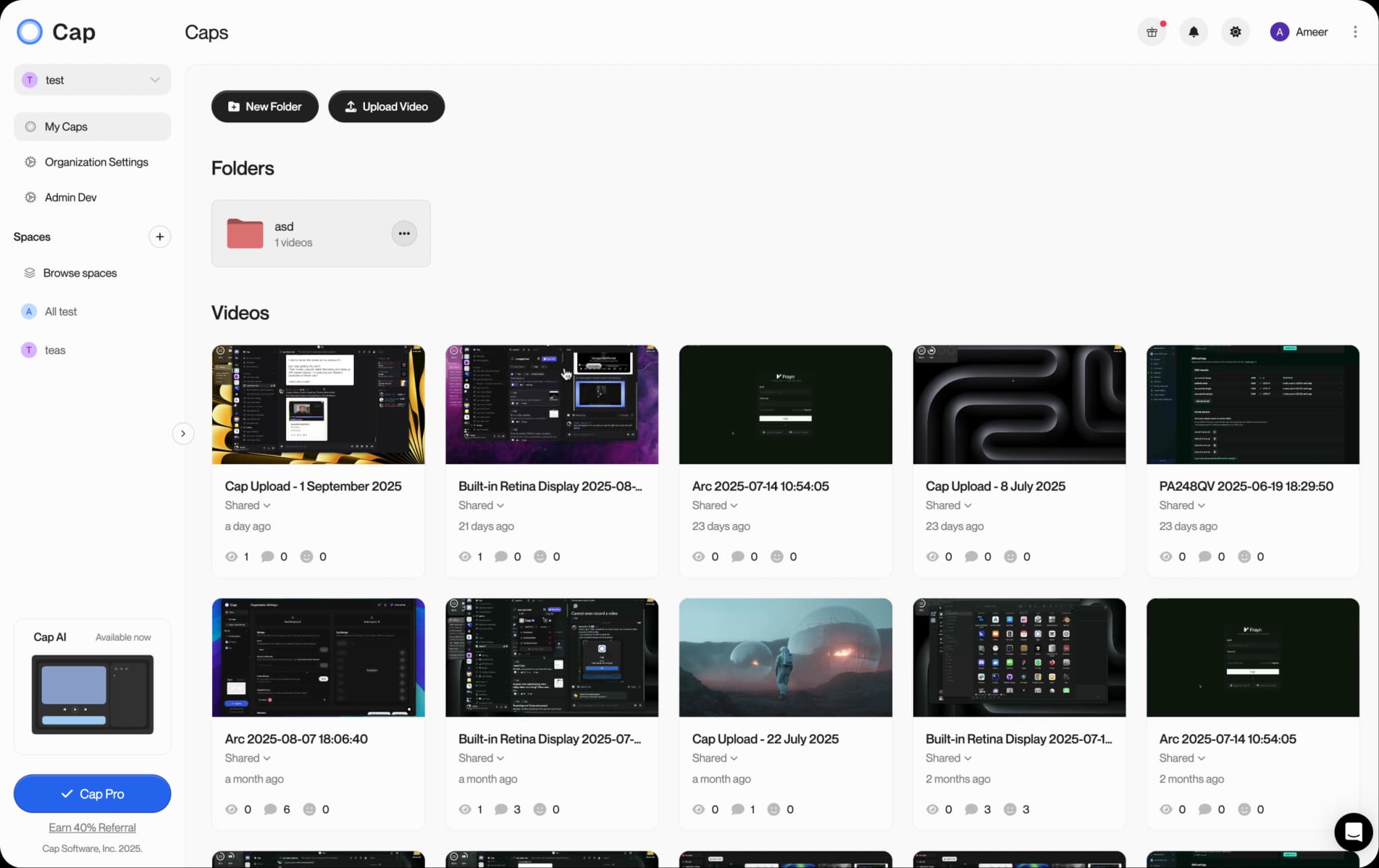
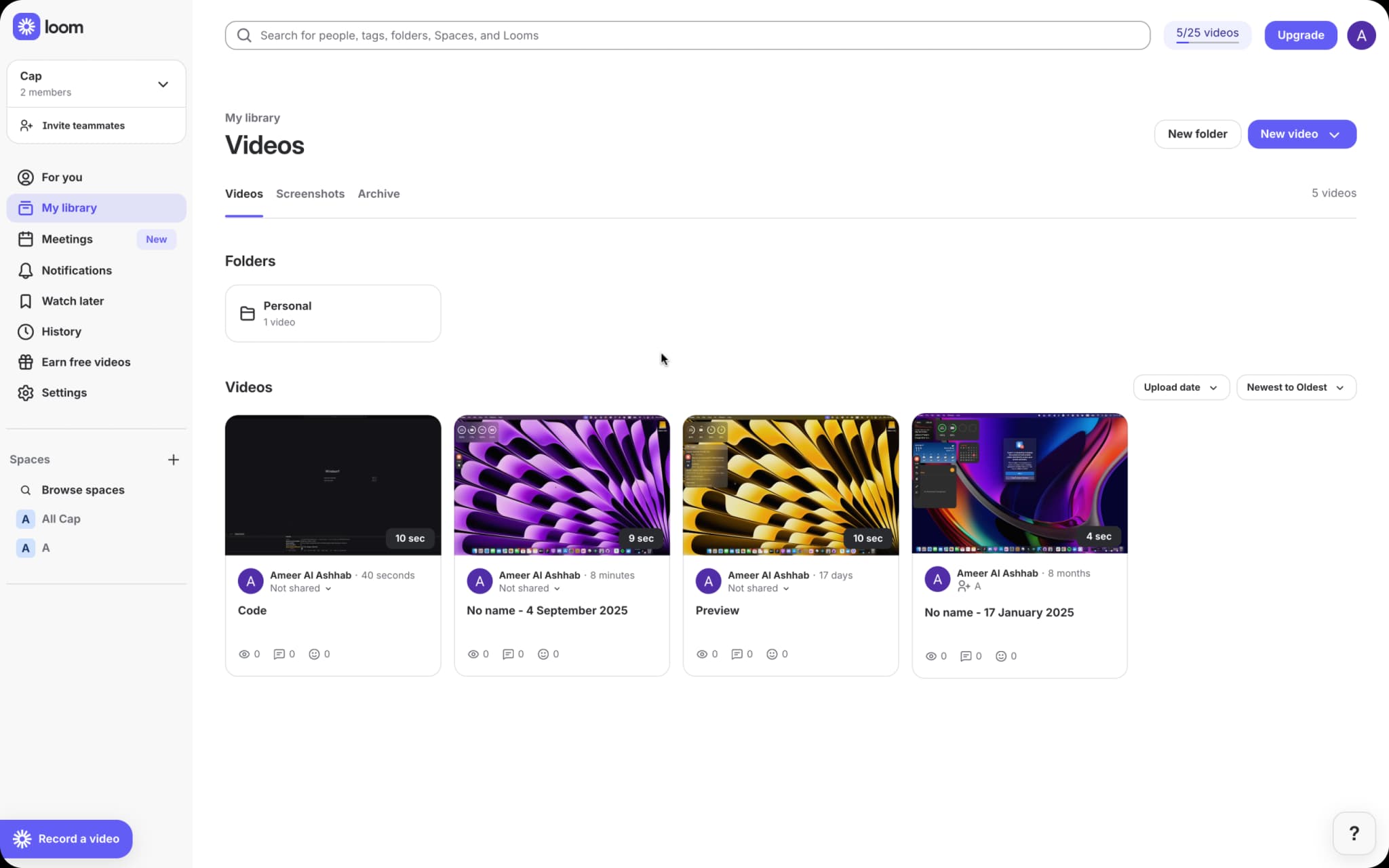
LemonFavor
vs
Loom
Why LemonFavor is the Best Loom Alternative
LemonFavor offers everything you need in a privacy-focused, open-source screen recording solution
Open-Source Transparency
LemonFavor is fully open-source, giving you complete transparency and community-driven development. We believe in building in public and letting users help shape our roadmap. Looking for an open-source screen recorder? LemonFavor is your best choice!
Enhanced Privacy & Security
LemonFavor prioritizes your privacy with GDPR compliance and the option to use your own Google Drive or S3 storage, ensuring your data remains under your control. Connect your own custom domain for a branded experience while maintaining 100% ownership of your data.
Half the Price of Loom
LemonFavor starts from just $8.16/month per user, compared to Loom's $18/month per user. Plus, LemonFavor offers a generous free plan that includes Studio mode for personal use.
High-Quality Recordings
Record smooth, high-definition videos at 60fps with synchronized audio up to 4K resolution, perfect for professional use.
Collaborative Features
LemonFavor includes built-in thread commenting on shareable links, making it easy to collaborate with teammates and collect feedback on your recordings without switching platforms.
Cross-Platform Support
Available for both Mac and Windows, LemonFavor delivers consistent performance across platforms. A perfect screen recording software for all users.
Built-In Loom Video Importer
Already using Loom? LemonFavor's built-in video importer lets you seamlessly transfer your existing Loom recordings into LemonFavor. No need to start from scratch — bring all your content with you when you switch. Just need the raw files? Our free Loom video downloader saves any public Loom as an MP4 in one click.
See LemonFavor in Action
Watch how LemonFavor makes screen recording simple, powerful, and accessible.
Two Ways to Record with LemonFavor
LemonFavor gives you flexible recording options to match your workflow needs, with both modes available in the free plan
Instant Mode
Share your screen right away with a simple link—no waiting, just record and share in seconds. Record up to 5-minute shareable links for free, perfect for quick demos and explanations. Includes built-in thread commenting for easy collaboration.
Studio Mode
Available completely free for personal use! Records at top quality up to 4K. Captures both your screen and webcam separately so you can edit them later, giving you professional-level production control.
Feature Comparison: LemonFavor vs. Loom
| Feature | LemonFavor | Loom |
|---|---|---|
| Open Source | Yes | No |
| Pricing | from $8.16/month per user | $18/month per user |
| Free Plan | Studio mode + 5 min shareable links | Limited features & recording time |
| 4K Recording | Available in free & paid plans | Only in paid plans |
| Thread Commenting | Built-in on shareable links | Available |
| Custom Domain | Yes | Enterprise plan only |
| Own Storage Integration | Connect your own S3 or Google Drive | Not available |
| Community Input | Direct via open source | Limited |
| Loom Video Import | Built-in importer | Not available |
| Data Ownership | 100% with own storage | Platform dependent |
Why Users Choose LemonFavor for Screen Recording
Discover the features that make LemonFavor a compelling option for screen recording
Budget-Friendly Options
Many screen recording tools have complex pricing structures. LemonFavor offers similar functionality with clear, affordable pricing options.
Complete Data Ownership
LemonFavor lets you connect your own Google Drive or S3 storage and custom domain, giving you 100% ownership and control over your content. No more being locked into proprietary platforms.
Community-Driven Development
As an open-source screen recorder, LemonFavor is built in the open with community input. User feedback directly shapes our roadmap and features.
Collaborative Feedback
LemonFavor's built-in thread commenting on shareable links makes it easy to collect feedback and collaborate without switching between different tools.
Effortless Migration from Loom
LemonFavor's built-in Loom video importer makes switching painless. Import your existing Loom recordings directly into LemonFavor and keep all your content organized in one place — no downloads or re-uploads required.
How to Get Started with LemonFavor (Easy Guide)
- 1
Download LemonFavor for your operating system (Mac or Windows)
- 2
Launch the application and sign in to your LemonFavor account
- 3
Import your existing Loom videos using LemonFavor's built-in Loom video importer
- 4
Start recording using either Instant Mode or Studio Mode
- 5
Share your recordings easily with LemonFavor's built-in sharing features
- 6
Optional: Connect your own Google Drive or S3 storage and custom domain for complete data ownership
Frequently Asked Questions
Ready to Try LemonFavor for Your Screen Recording Needs?
Ready to get started? Download now and see the difference.